Local AI developer toolchain

Build locally. Work your way.

MiawRouter handles model traffic. MiawCode works in the terminal. MiawCode IDE brings the same stack into a desktop workspace.

Use each tool on its own or connect them over local loopback through the OpenAI-compatible endpoint on 127.0.0.1:21128.

Three focused tools

One local stack, without lock-in.

Each product owns a clear part of the workflow. The shared endpoint keeps the connection simple.

Gateway / npm 1.1.9

MiawRouter

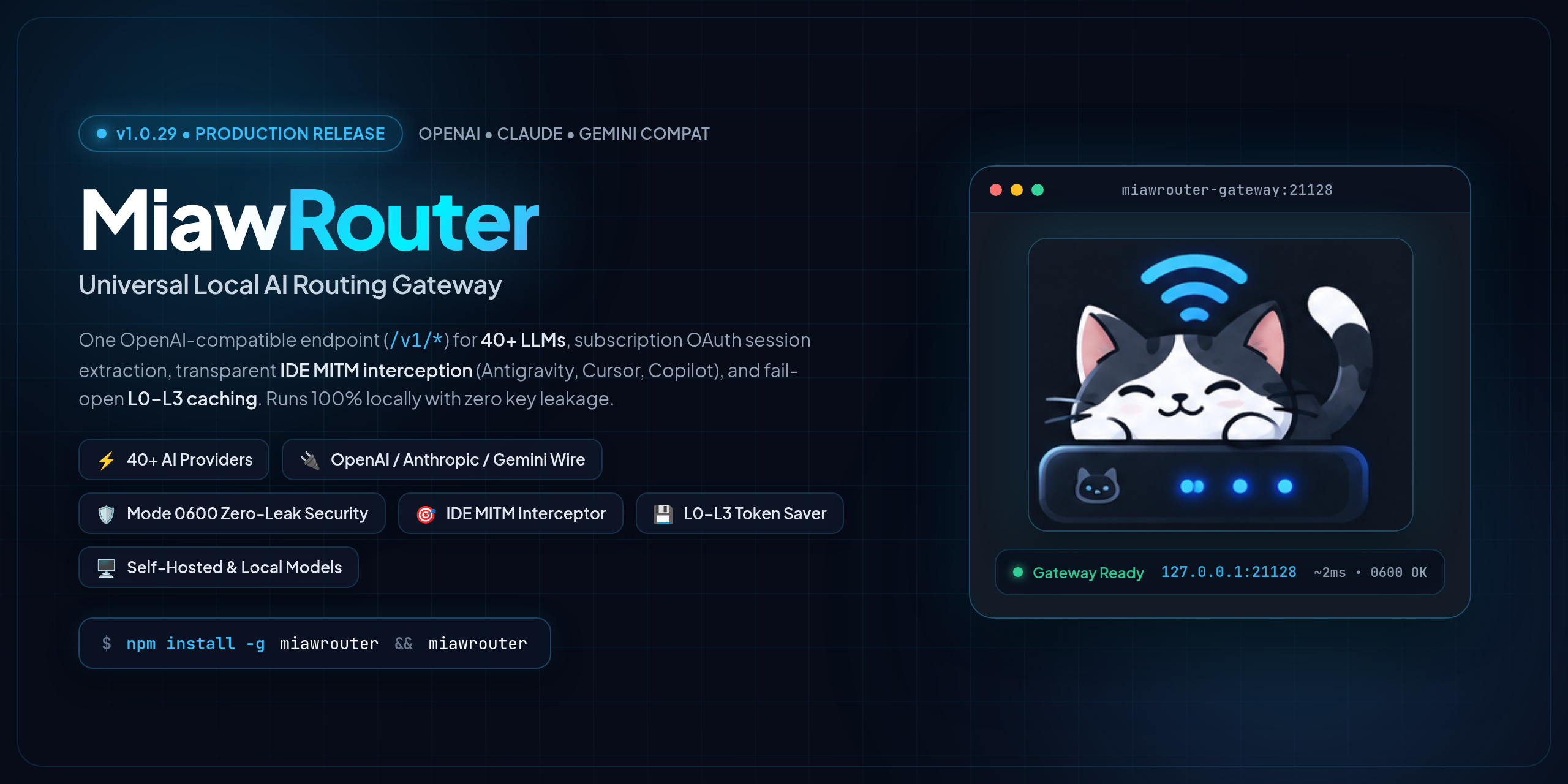
A local OpenAI-compatible gateway with provider routing, account pools, SSE normalization, MITM interception, and four fail-open cache layers.

  • 146 configured provider adapters in the current MiawLabs reference
  • Default endpoint at 127.0.0.1:21128
  • Local connectors for llama.cpp, vLLM, Whisper, and Kokoro
  • Dashboard for providers, usage, cache, logs, and runtime health
Terminal agent / Rust, Go, Bun

MiawCode

A terminal coding agent with native PTY execution, anchored file edits, checkpoints, MCP support, and provider routing.

Desktop workspace / In Development

MiawCode IDE

A Code - OSS workspace with 30 bundled subagent profiles and an internal MiawRouter provider.

Local connection

Tools meet at one endpoint.

MiawRouter resolves providers, accounts, cache layers, and stream formats. Terminal and editor clients keep their normal OpenAI-compatible request shape.

Clients MiawCode and IDE
MiawRouter 127.0.0.1:21128
Runtimes Cloud and local models
MiawCode IDE currently defaults its bundled extension to port 21188. Change it to 21128 when connecting to MiawRouter.
Gateway overview

See the routing layer.

MiawRouter architecture with provider routing, local endpoint, and cache layers
MiawRouter routes OpenAI-compatible requests through account pools, provider adapters, and local cache layers.
Quick start

Start with the surface you need.

Run the gateway

Install MiawRouter globally and start its local service.

MiawRouter
npm install -g miawrouter
miawrouter

Install the terminal agent

Install the published MiawCode CLI and start it with either command name.

MiawCode
npm install -g miawcode@0.1.0
miawcode